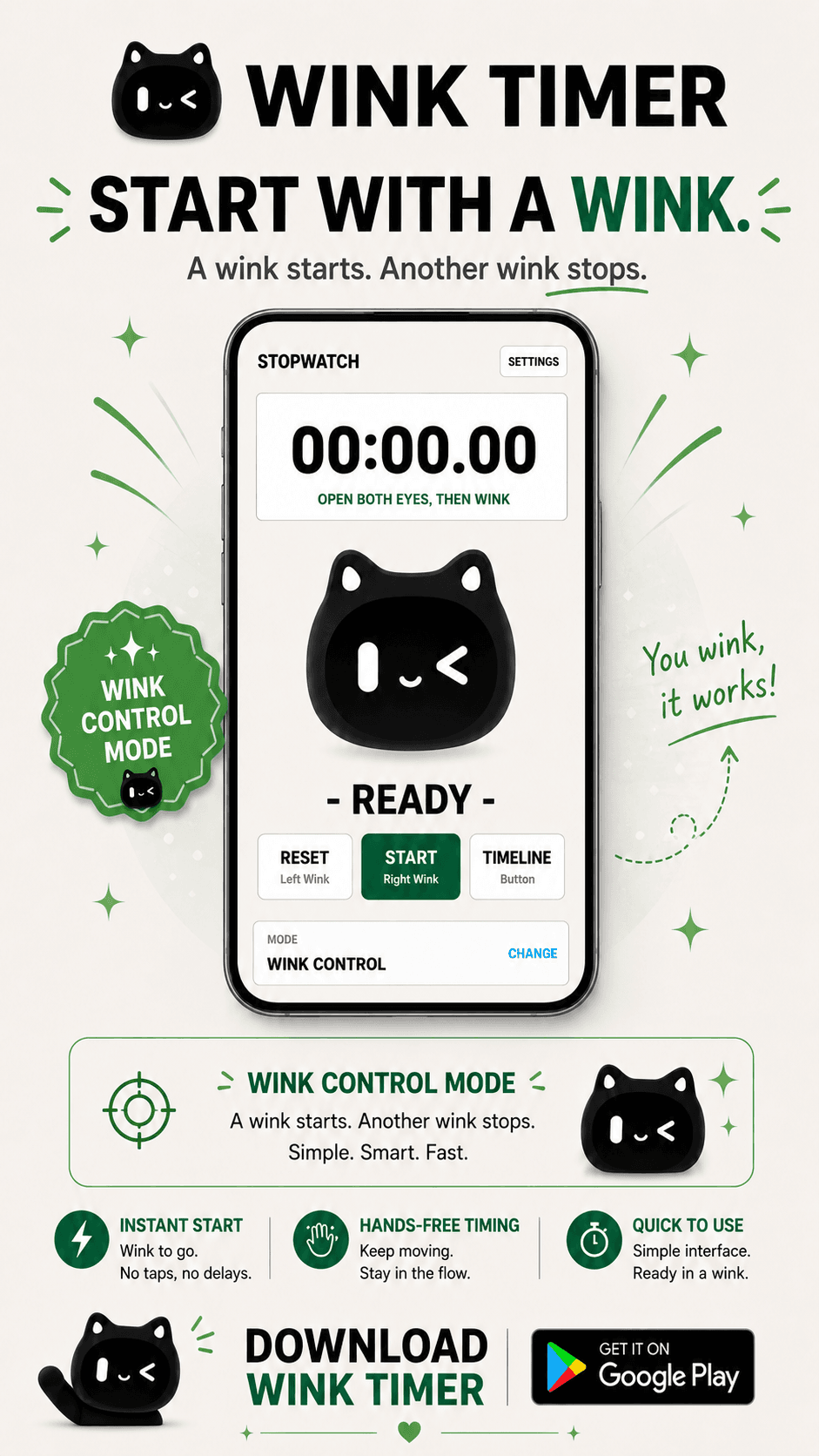
Start with a wink
Wink Control
Use wink gestures for timer actions and stopwatch lap records when tapping is inconvenient.
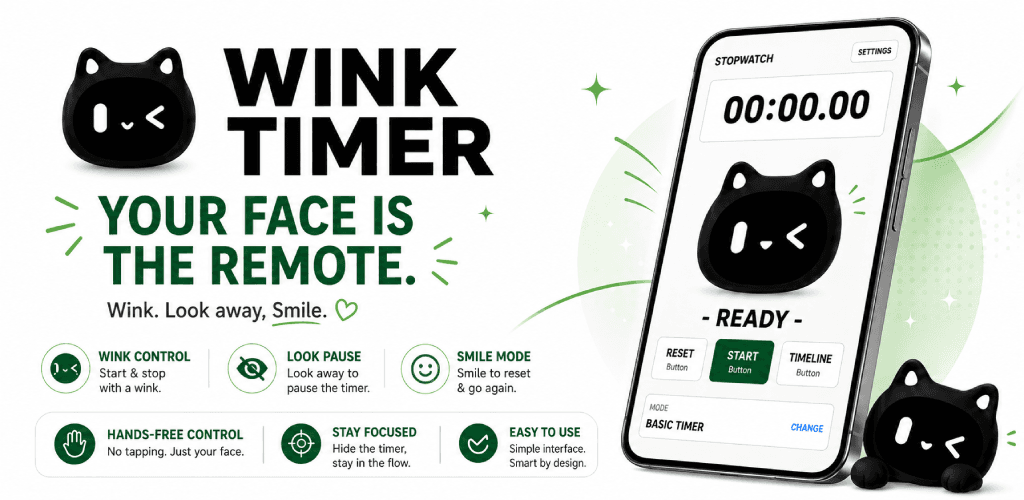
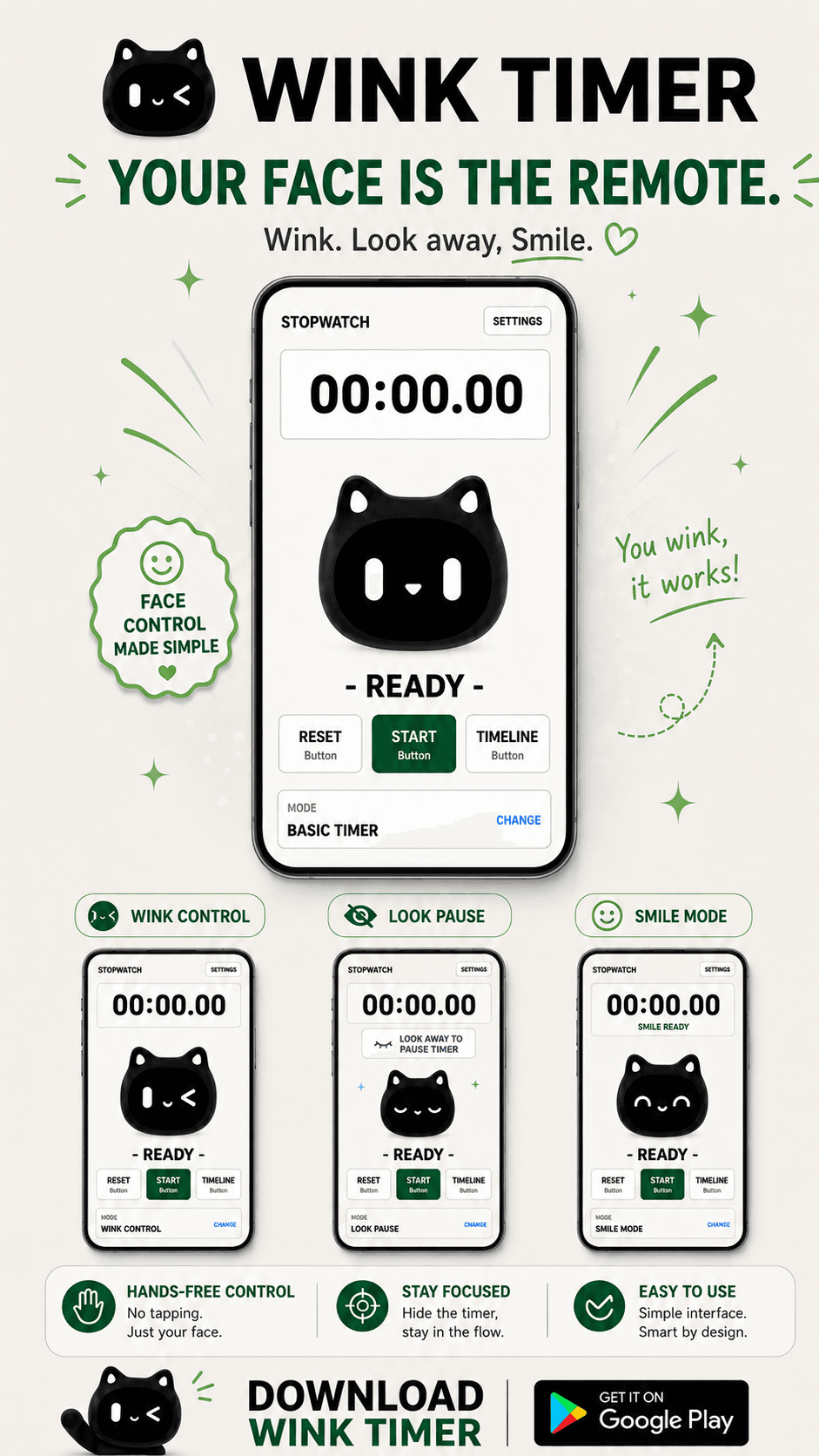
Timer and stopwatch in one app
Start with a simple button timer, then switch to look, wink, flip, or smile controls when touching the screen is inconvenient.
Timer, stopwatch, alerts, laps, history, and assisted controls.
Look Pause, Wink Control, Flip Timer, and Smile Mode.
Use the button timer first, then switch modes only when needed.
Practical first
Wink Timer is not limited to focus or study sessions. Use it for cooking, workouts, study time, work blocks, breaks, or a quick stopwatch check in everyday routines.
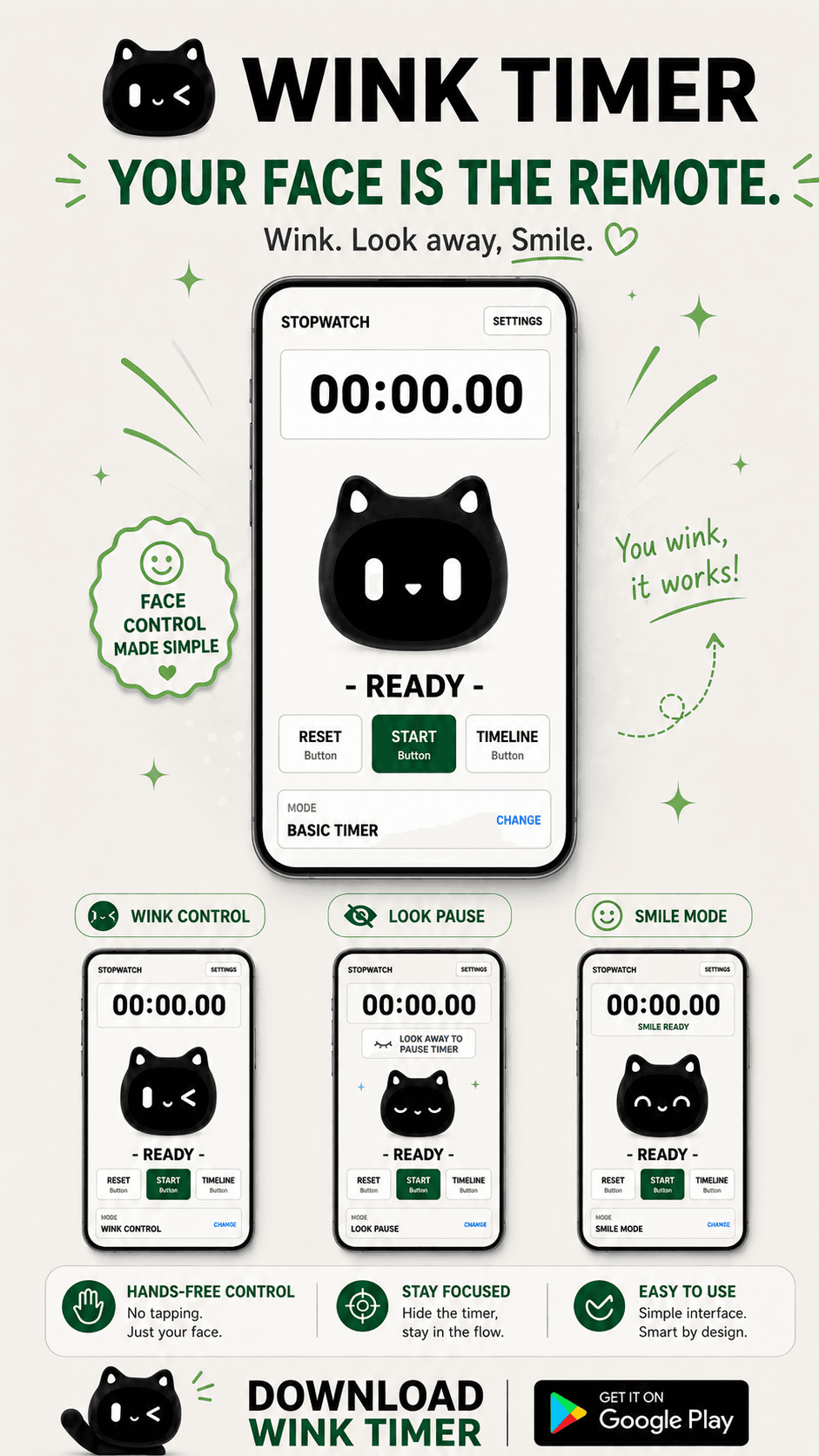
Assisted modes
Camera and sensor-assisted modes add flexible control while the basic timer and stopwatch stay simple and familiar.
Start with a wink
Use wink gestures for timer actions and stopwatch lap records when tapping is inconvenient.
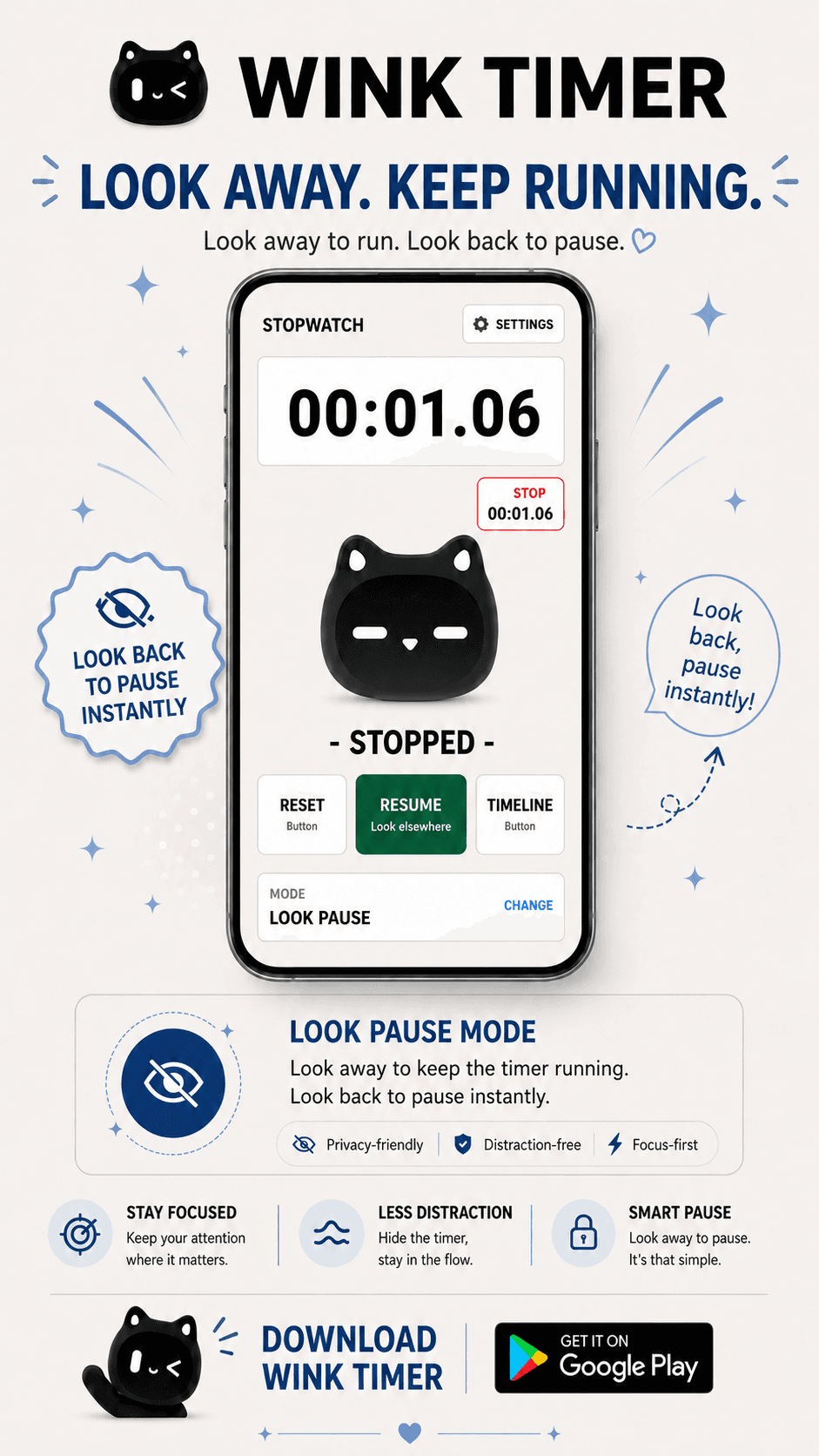
Look away. Keep running.
Pause and resume based on whether you are looking at the screen, so your timing stays out of the way.
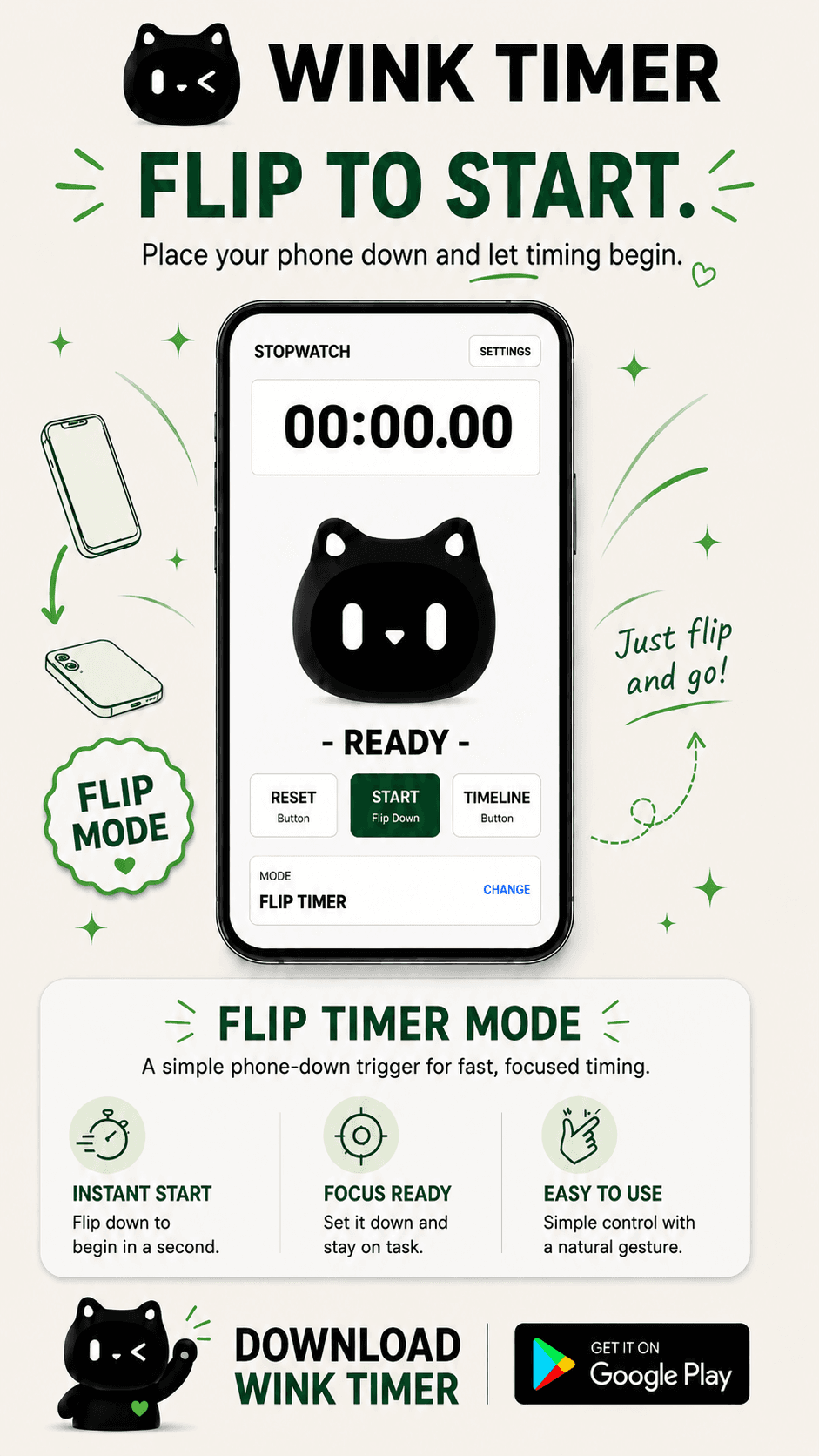
Flip to start
Place your phone face down to start, then turn it face up when you want to pause.
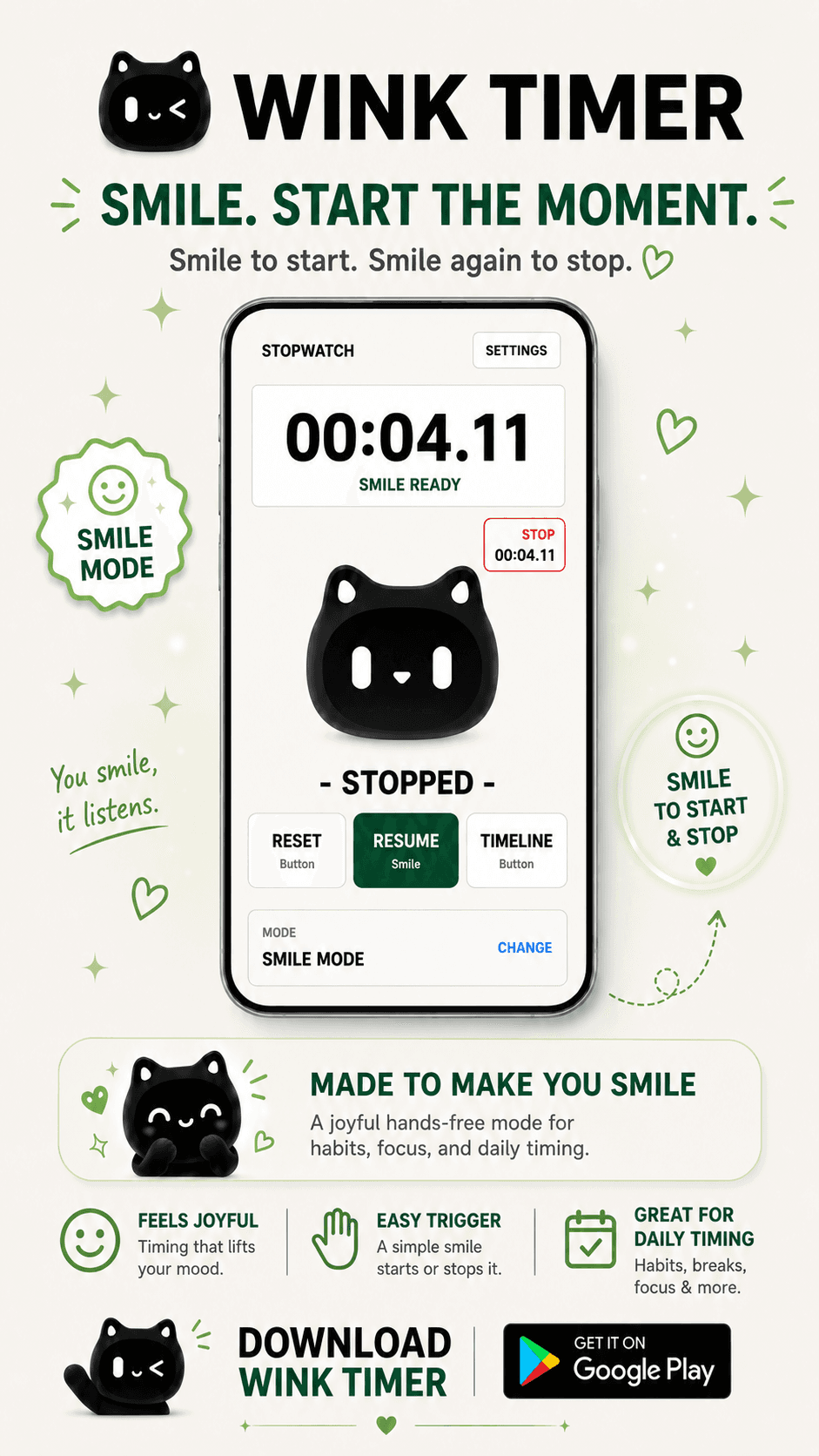
Smile to control
Use smile detection for a simple hands-free trigger during habits, breaks, and daily routines.
Core timing tools
Use button-based timing by default. Alerts, laps, recent records, and timelines keep the app useful even before you turn on assisted modes.
Start, pause, resume, and reset with clear button controls.
Measure elapsed time and keep lap records for quick checks.
Use sound and vibration settings when a timer finishes.
Review recent timing records and timeline events after a session.
Device-aware note
Camera-based features may vary by device performance, lighting, face angle, and camera position. The button timer and stopwatch remain available when assisted controls are not the right fit.
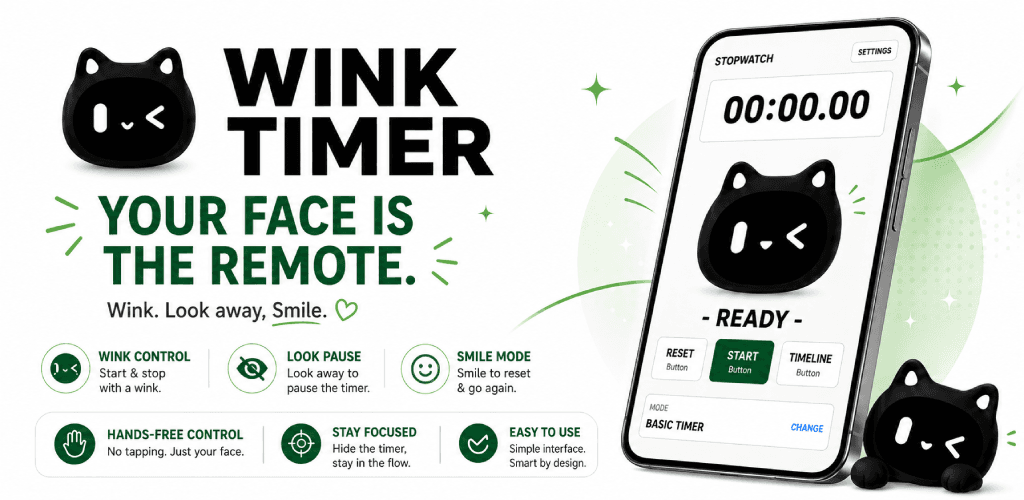
Download Wink Timer
Use a timer and stopwatch with optional look, wink, flip, and smile controls. Google Play listing details can be connected here when the store page is ready.